Take back your disk. Keep what matters.
Reclaim finds the build caches, dependencies, simulators and Docker leftovers filling your Mac, tells you what's safe to delete, and frees the space in one click.
macOS 14+ · Apple silicon & Intel · MIT license
Overview
Macintosh HD
58.26 GB free of 245.11 GB
Scanning…
about 0%
/Users/you/Library/Developer/Xcode/DerivedData/Storefront-ghxqv/Build
Top categories

Knows where developer tools leave things
01 — Scan
Every folder. In about a minute.
Reclaim walks the whole disk in parallel, measuring the space files really use. Hard links count once, sparse disk images count what they occupy, and other drives are left alone.
12.1 GB
freed
0
places it knows to look
0 min
to scan an entire Mac
0
safety levels, only Safe pre-ticked
0
network requests, ever
Features
Built for the way developer Macs fill up.
Knows where junk hides
Build output, installed dependencies and package-manager caches, found by rules written from real developer Macs.
Three safety levels
Only Safe items are ever ticked for you.
One click
Tick, click, done. No confirmation for every file, and a summary of anything that couldn't go.
Real duplicates
Byte-for-byte matches only. Shared-storage APFS copies don't inflate the total.
Docker and OrbStack
Removed with Docker's own commands, never by touching its disk image.
$ docker builder prune
✓ 889 MB build cache
✓ 3 unused images
Hard limits, however it's spelled
System folders, your home folder and folders like Documents are never deleted as a whole, through symlinks or .. tricks.
✕ /System✕ ~/Documents✕ /Users/you✕ /tmp/../etcPrivate by design
No account, no analytics, no network access. Your file list stays on your Mac, and the source is on GitHub for anyone to read.
Read the sourceTour
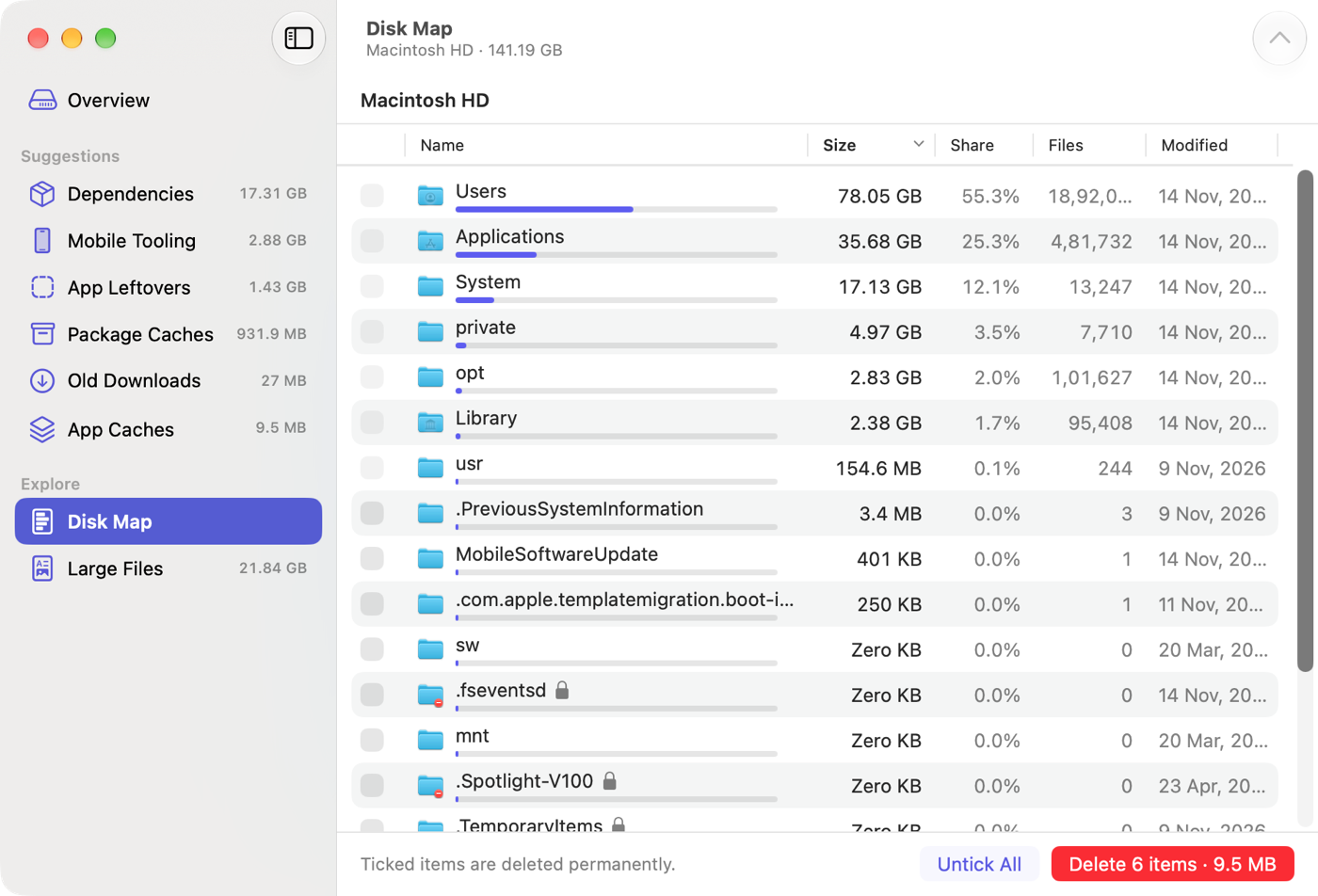
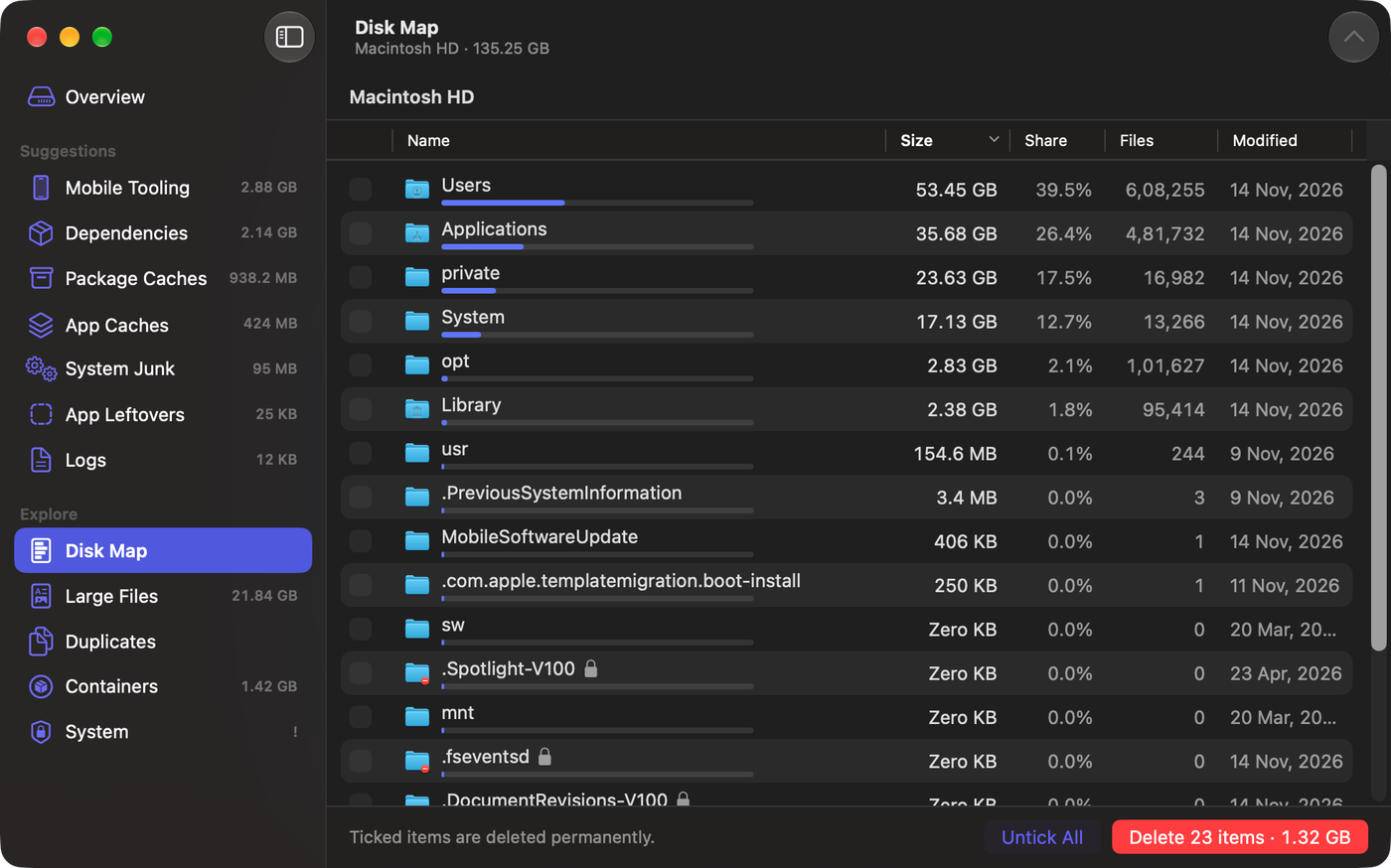
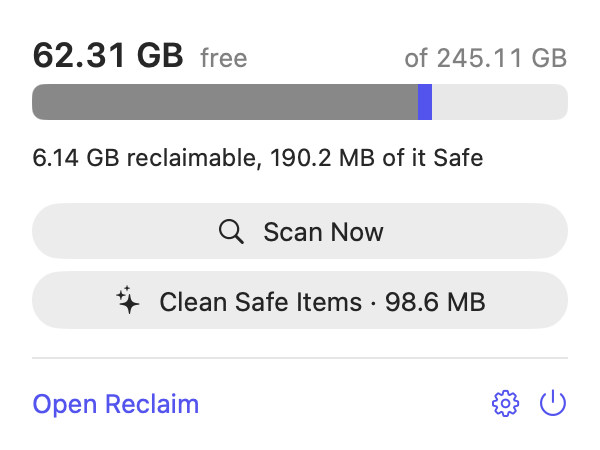
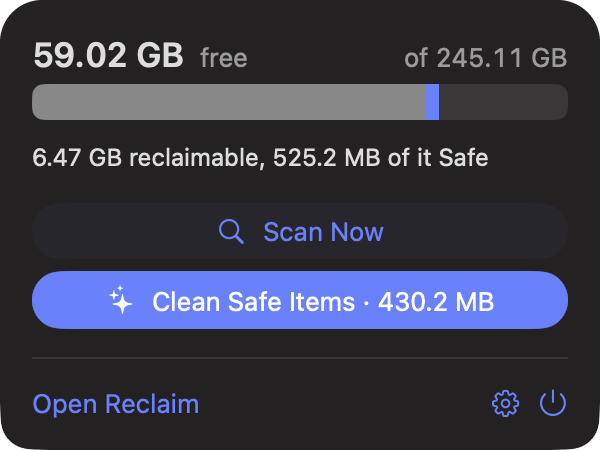
A native Mac app.
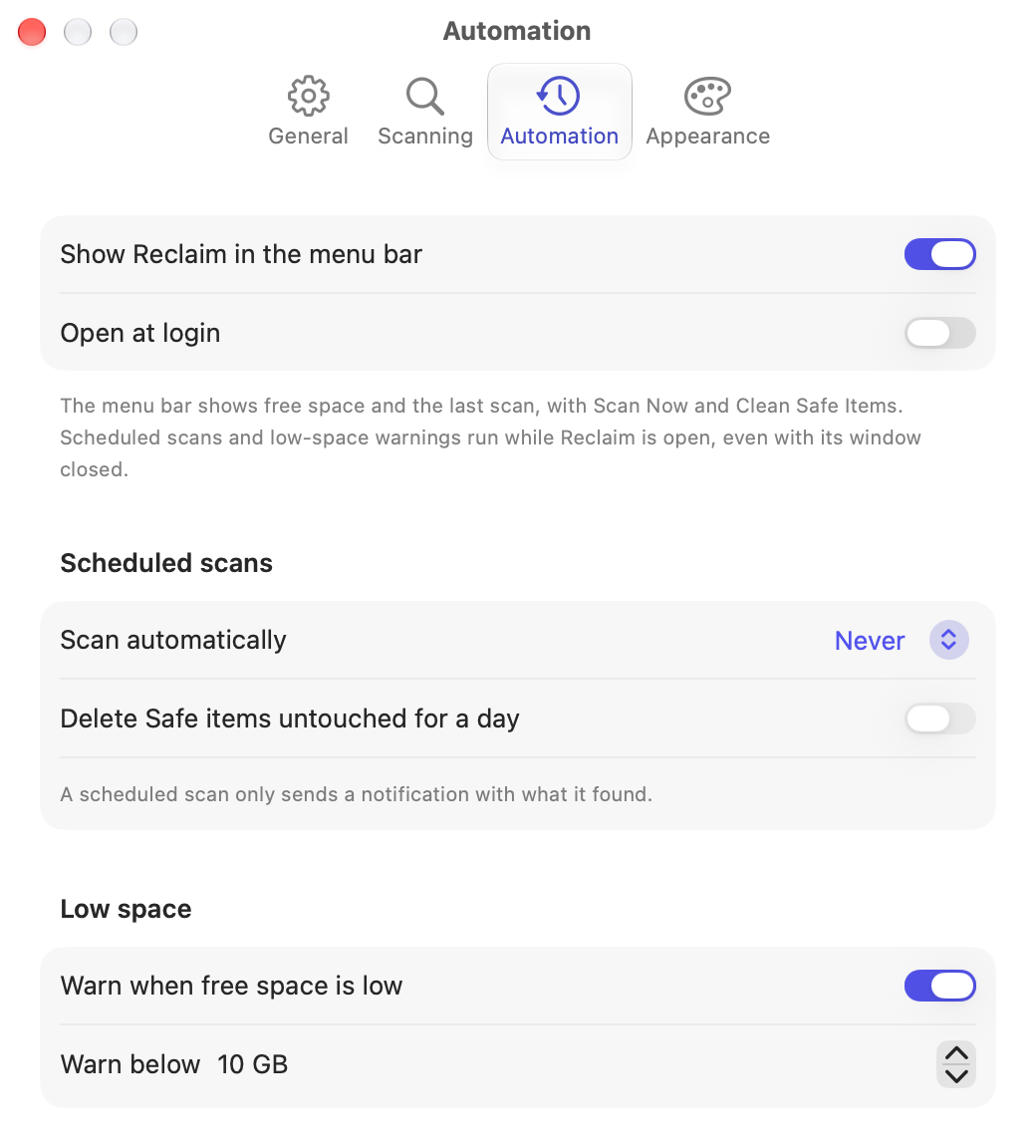
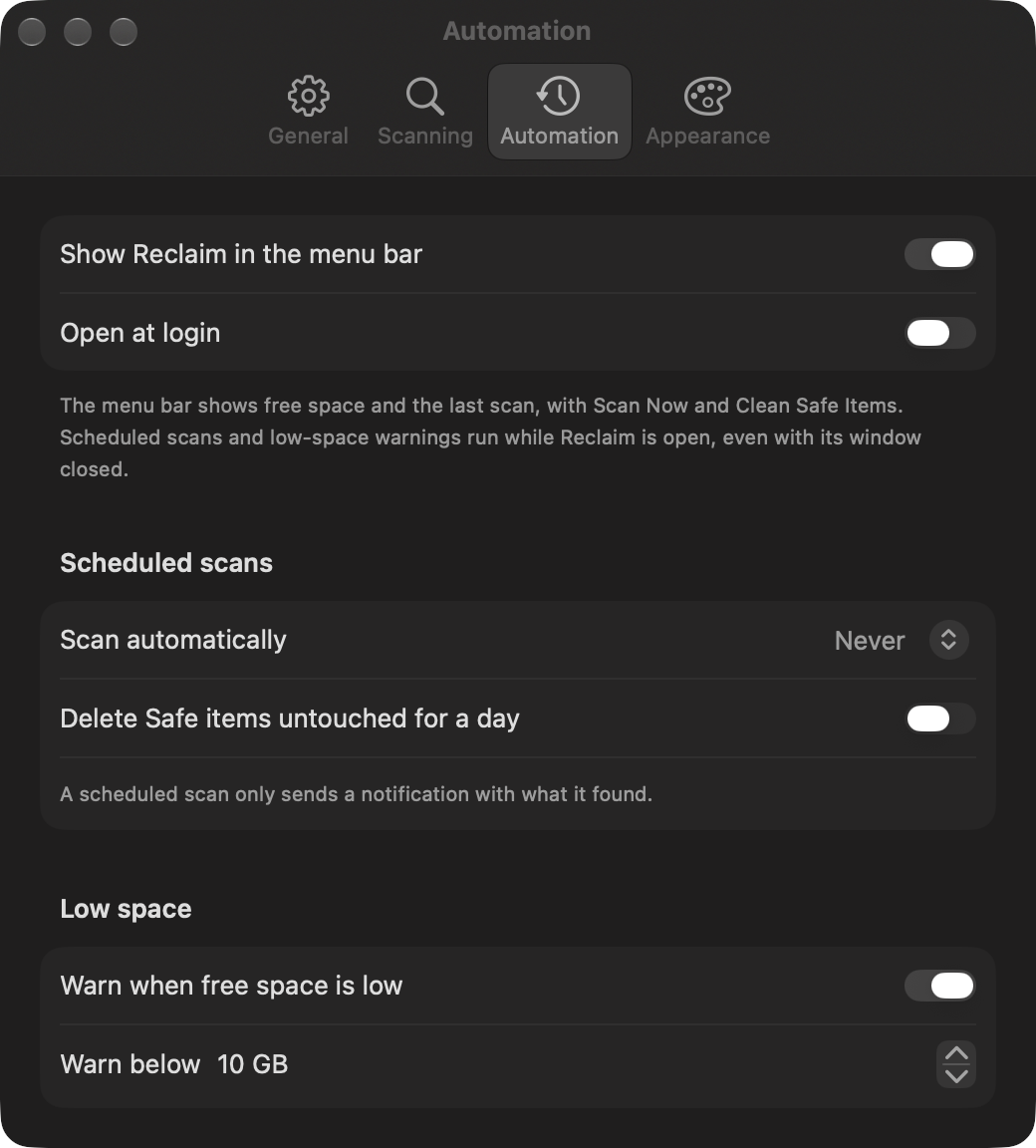
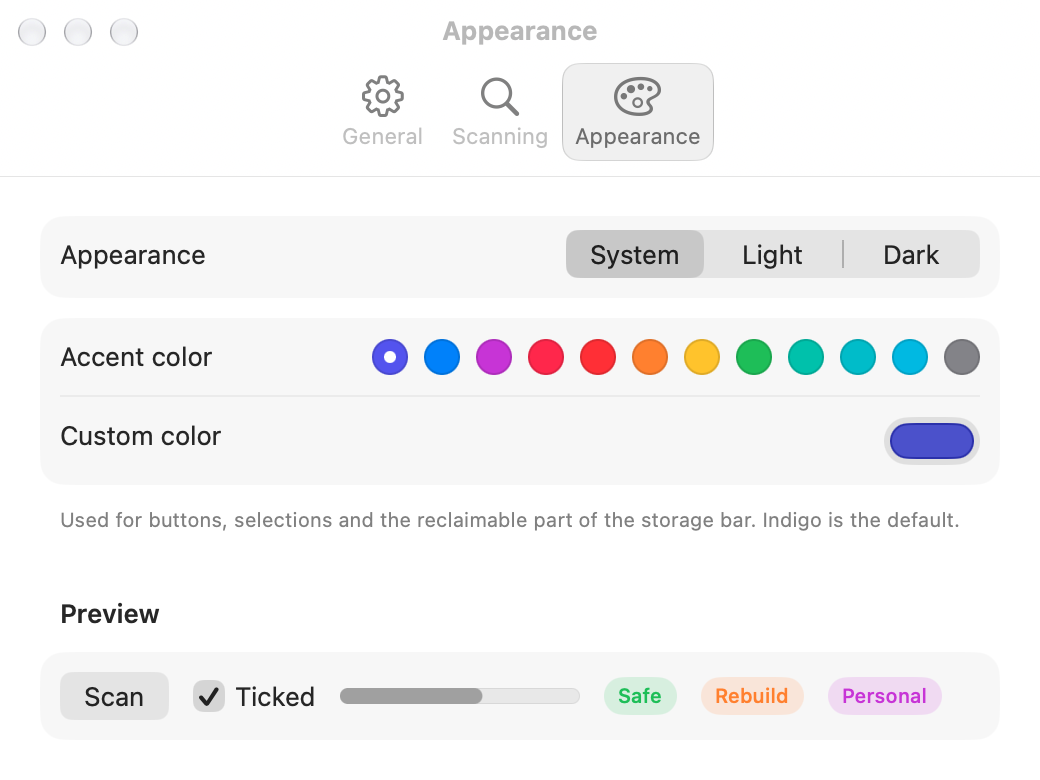
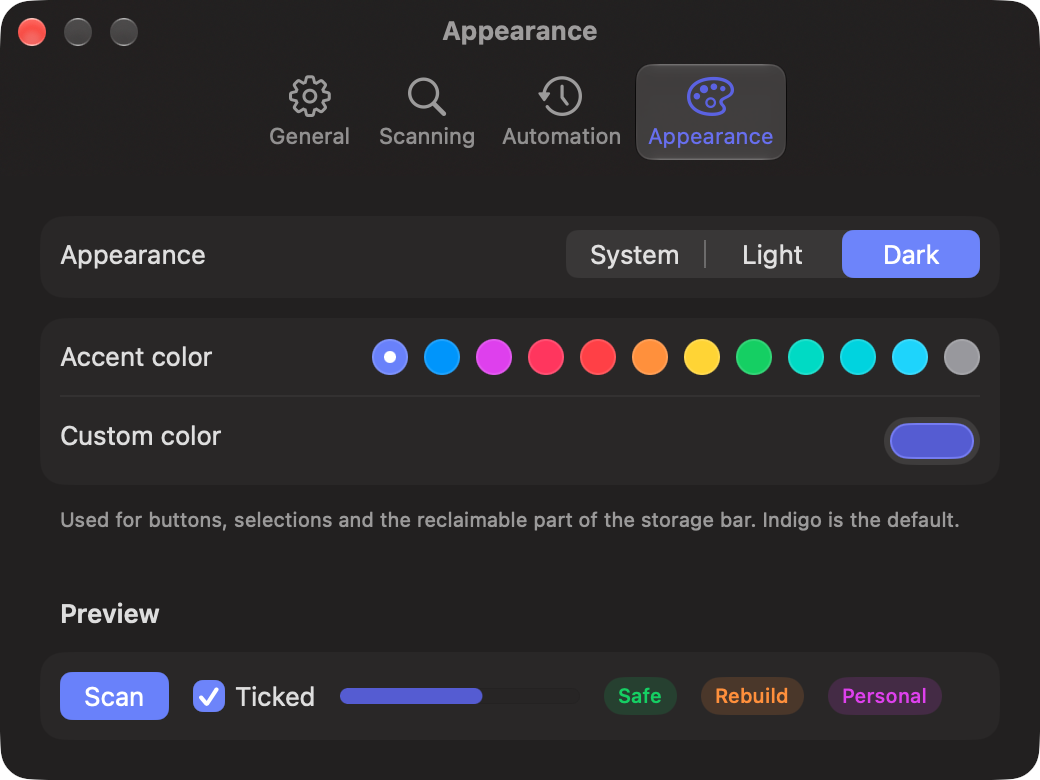
SwiftUI, light and dark, your own accent colour. Not a web page in a box.
Is it really free?
Yes. Reclaim is open source under the MIT License, with no paid tier, account or tracking.
Why no “Are you sure?” for every file?
Cleaning a developer Mac means deleting hundreds of items, and a confirmation per item gets clicked through without reading. Reclaim explains each item instead, ticks only Safe ones, and can never delete protected folders. Want a safety net? Turn on Move to Trash.
Why does macOS block it the first time?
It isn’t notarized by Apple, which needs a paid developer membership. Open it once through System Settings › Privacy & Security › Open Anyway.
Does it need Full Disk Access?
To see everything, yes. Without it, Reclaim skips Desktop, Documents, Downloads and other protected folders so macOS doesn’t stop the scan to ask about each one.
Your disk, back.
One download, one scan, and you'll see what your Mac has been hoarding.